
-
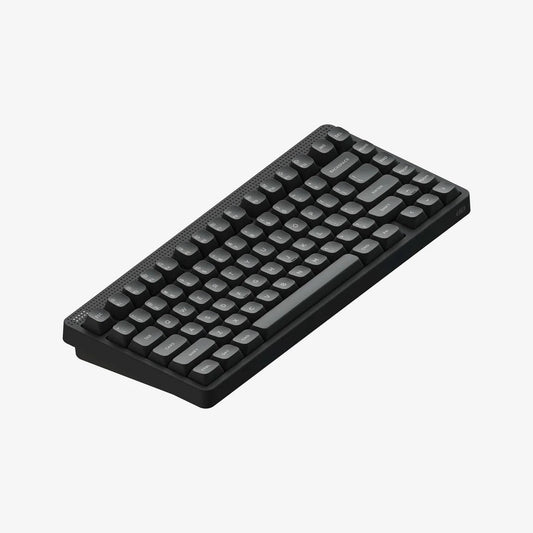
NuPhy Node75 Low-Profile Wireless Mechanical Keyboard
Regular price $139.00 AUDRegular priceUnit price per -
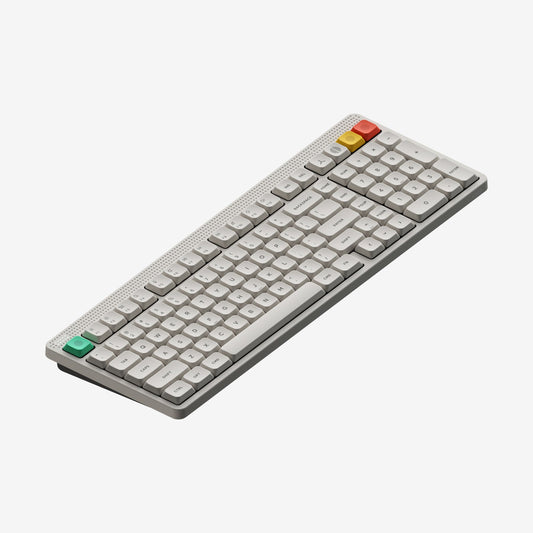
NuPhy Node100 Low-Profile Wireless Mechanical Keyboard
Regular price $149.00 AUDRegular priceUnit price per -
NuPhy Node75 High-Profile Wireless Mechanical Keyboard
Regular price $139.00 AUDRegular priceUnit price per -
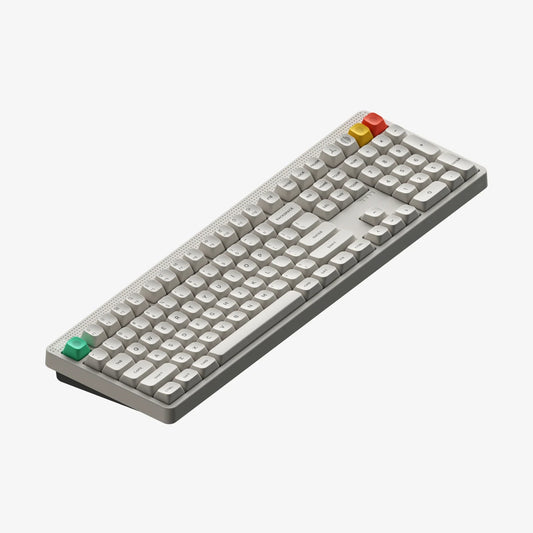
NuPhy Node100 High-Profile Wireless Mechanical Keyboard
Regular price $149.00 AUDRegular priceUnit price per -
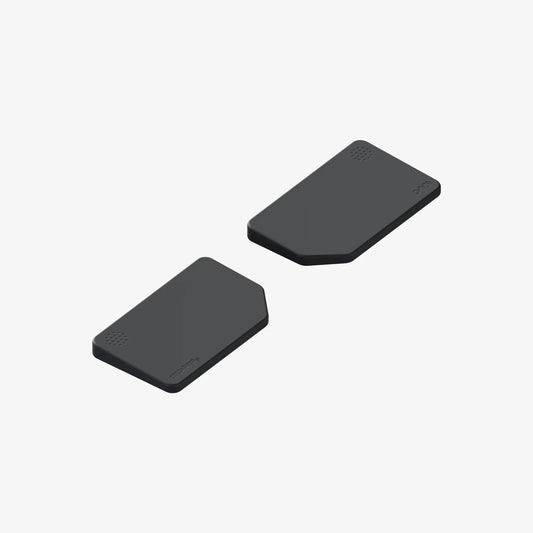
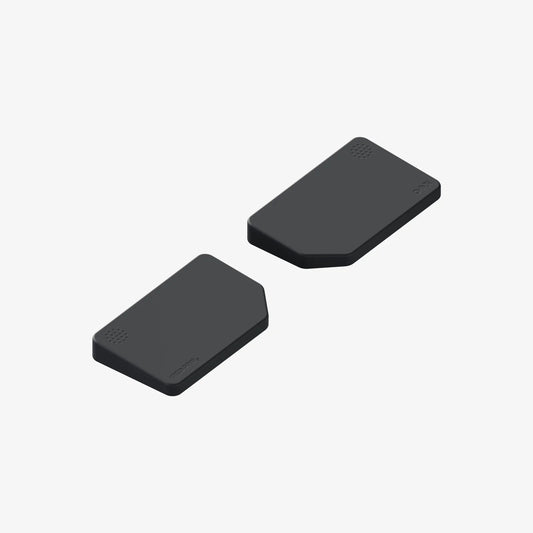
NuPhy Node Series Low-Profile Silicone Wrist Rest
Regular price $39.00 AUDRegular priceUnit price per -
NuPhy Node Series High-Profile Silicone Wrist Rest
Regular price $39.00 AUDRegular priceUnit price per






The keyboard
Timeless design.
Exceptional feel.
For everyone

Back to the future
Fashion maybe a cycle, but true style has a way to sneak back. On the Node series, the mid-century line and dot aesthetics finds its modern companion when we introduce a bit of touch onto a device built for typing, giving it a sprinkling of flagship grade finish, and a new kind of playability and customizability.


Three Minimal Colorways


LOW & HIGH-PROFILE

To touch, to feel
By making interactions with the keyboard more natural and diverse, Node Series touch zone unlocks the potential of your fingers. Slide, tap, or double tap to execute various functions, and use the dot-matrixed LEDs to accurately read the effect of your input.


The switch-craft
Built for unmatched typing precision, sound, and comfort, and with a hellalot of POM and LY materials, our nano/Max switch duo wreaking havoc across the switch landscape has joined force with Node Series to bring more joys to your mechnical keyboard adventure.

Brown
Crisply tactile, just the right amount of bump to accentuate the actuation.

Red
Smooth as silk, ideal for gaming.

Blush
Smooth and quiet, make it a lot easier to focus on the task at hand.

It's a new world of possibilities,and it is NuPhy
Every Mac-tweak you can find on a NuPhy keyboard, you can find it on Node Series, as well as the sameoutstanding essential wireless capabilities that came to define NuPhy low profile keyboards.


