Skip to product information
1 of 4

NuPhy

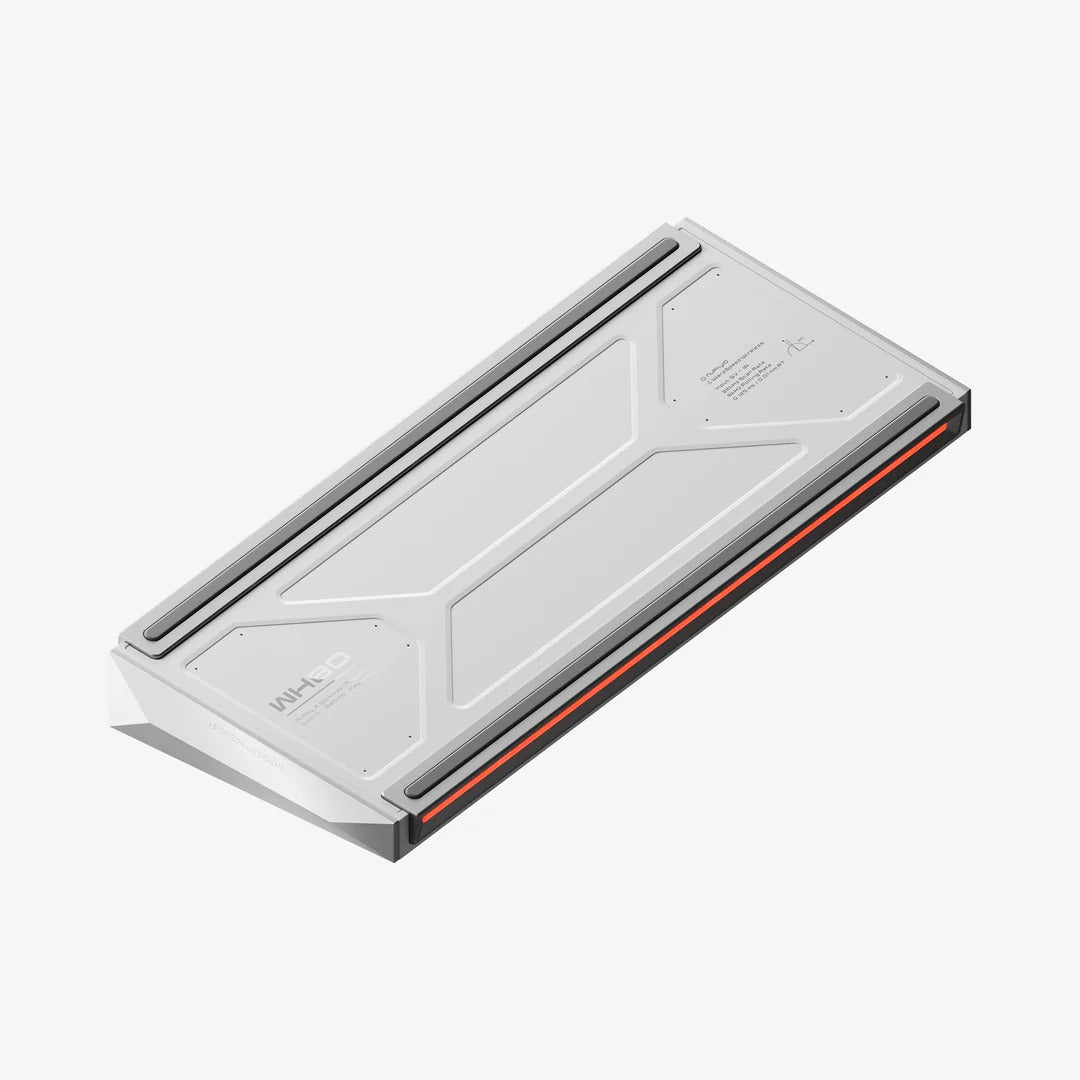
NuPhy WH80 HE Wireless 8K Magnetic Gaming Keyboard (Pre-Order)

NuPhy WH80 HE Wireless 8K Magnetic Gaming Keyboard (Pre-Order)

Regular price $349.00 AUD
Regular price Sale price $349.00 AUD
Sale Sold out
Tax included.
Color
Switch
  • 1-Year warranty
  • Secure payments

ETA: 09/01/2026

  • Typing Feel: Comparable to mechanical keyboards
  • Super Long-lasting Battery Life: 500 hours
  • Polling Rate: 8000Hz
  • RT Precision: 0.005mm
  • Connection Modes: Tri-mode (2.4G, Bluetooth, Wired USB-C)
  • Compatible Systems: Windows, macOS, Linux

SHIPPING INFORMATION

All orders will be shipped by NuPhy within 48 hours of order confirmation, tracking numbers are provided no later than a day after shipment on business days.

Notice
Once your parcel produced CUSTOM DUTY, please contact us as soon as possible.

View full details

WH80

YOUR GAMING KEYBOARD TO WIN

nuphy-WH80-carousel-0.005RT-4.webp__PID:46b13afd-bd2d-4cb9-8580-aa9da3163c0a
nuphy-WH80-8k-rt0.005-1.webp__PID:80aa9da3-163c-4a33-935e-22de91a95f60nuphy-WH80-8k-rt0.005-1-h5.webp__PID:9c2bcf24-999b-4e51-9d94-fc295b805cd2
nuphy-WH80-8k-rt0.005-2.webp__PID:c580aa9d-a316-4c0a-b353-5e22de91a95fnuphy-WH80-8k-rt0.005-2-h5.webp__PID:7f9c2bcf-2499-4bde-911d-94fc295b805c
nuphy-WH80-the game performance is at to level.webp__PID:efde1184-ff46-413a-bdbd-2d6cb9c580aanuphy-WH80-the game performance is at to level-h5.webp__PID:e7b8d259-d7d6-4520-8748-cdb26e7f9c2b
nuphy-WH80-WIRELESS DUAL 8K .webp__PID:8241efde-1184-4f46-b13a-fdbd2d6cb9c5nuphy-WH80-WIRELESS DUAL 8K -h5.webp__PID:8304e7b8-d259-47d6-9520-c748cdb26e7f
nuphy-WH80-more stable faster and stronger.webp__PID:ff46b13a-fdbd-4d6c-b9c5-80aa9da3163cnuphy-WH80-more stable faster and stronger-h5.webp__PID:d7d61520-c748-4db2-ae7f-9c2bcf24999b
nuphy-WH80-Quick switch mode1.webp__PID:1184ff46-b13a-4dbd-ad6c-b9c580aa9da3nuphy-WH80-Quick switch mode1-h5.webp__PID:d259d7d6-1520-4748-8db2-6e7f9c2bcf24
nuphy-WH80-Quick switch mode2.webp__PID:de1184ff-46b1-4afd-bd2d-6cb9c580aa9dnuphy-WH80-Quick switch mode2-h5.webp__PID:b8d259d7-d615-40c7-88cd-b26e7f9c2bcf
nuphy-WH80-nuphyiov2.0.webp__PID:84ff46b1-3afd-4d2d-acb9-c580aa9da316nuphy-WH80-nuphyiov2.0-h5.webp__PID:59d7d615-20c7-48cd-b26e-7f9c2bcf2499

ADVANCED HE FEATURES

SOUND AND FEEL

Gasket + a full stack of sound mods for a top of the line sound and type experience on a HE keyboard.

nuphy-WH80-All the places All the time.webp__PID:b9c580aa-9da3-463c-8a33-535e22de91a9nuphy-WH80-All the places All the time-h5.webp__PID:6e7f9c2b-cf24-499b-9e51-1d94fc295b80

CO-DEVELOPED
BY
GATERON & NUPHY

A major evolution of the Jade Pro, the Jade Dragon-N introduces an innovative two-piece POM stem that boosts control and reduces accidental activations. By enclosing the magnet within the split stem, it delivers smoother travel, more reliable bottom-out performance, and a cleaner, more satisfying acoustic profile.It’s the best magnetic switch we’ve ever made.

nuphy-WH80-8k-Co-developed by Gateron & NuPhy.webp__PID:aa9da316-3c0a-4353-9e22-de91a95f607enuphy-WH80-8k-Co-developed by Gateron & NuPhy-h5.webp__PID:2bcf2499-9bde-411d-94fc-295b805cd20d
nuphy-WH80-banner1.webp__PID:6cb9c580-aa9d-4316-bc0a-33535e22de91
nuphy-WH80-banner2.webp__PID:2d6cb9c5-80aa-4da3-963c-0a33535e22de
nuphy-WH80-banner3.webp__PID:bd2d6cb9-c580-4a9d-a316-3c0a33535e22
nuphy-WH80-banner4.webp__PID:fdbd2d6c-b9c5-40aa-9da3-163c0a33535e
nuphy-WH80-banner5.webp__PID:3afdbd2d-6cb9-4580-aa9d-a3163c0a3353
nuphy-WH80-banner6.webp__PID:b13afdbd-2d6c-49c5-80aa-9da3163c0a33
nuphy-WH80-banner1-h5.webp__PID:b26e7f9c-2bcf-4499-9bde-511d94fc295b
nuphy-WH80-banner2-h5.webp__PID:cdb26e7f-9c2b-4f24-999b-de511d94fc29
nuphy-WH80-banner3-h5.webp__PID:48cdb26e-7f9c-4bcf-a499-9bde511d94fc
nuphy-WH80-banner4-h5.webp__PID:c748cdb2-6e7f-4c2b-8f24-999bde511d94
nuphy-WH80-banner5-h5.webp__PID:20c748cd-b26e-4f9c-abcf-24999bde511d
nuphy-WH80-banner6-h5.webp__PID:1520c748-cdb2-4e7f-9c2b-cf24999bde51
nuphy-WH80-The Nano typing revolution Color detail display.webp__PID:41efde11-84ff-46b1-bafd-bd2d6cb9c580nuphy-WH80-The Nano typing revolution Color detail display-h5.webp__PID:04e7b8d2-59d7-4615-a0c7-48cdb26e7f9c
nuphy-WH80-3d Details display1.webp__PID:a3163c0a-3353-4e22-9e91-a95f607ec998nuphy-WH80-3d Details display1-h5.webp__PID:24999bde-511d-44fc-a95b-805cd20de02b
nuphy-WH80-3d Details display2.webp__PID:9da3163c-0a33-435e-a2de-91a95f607ec9nuphy-WH80-3d Details display2-h5.webp__PID:cf24999b-de51-4d94-bc29-5b805cd20de0
imgi_11_.png__PID:4314c065-0274-4958-88f2-7b5a97065475

IN THE BOX

imgi_12_.png__PID:74795888-f27b-4a97-8654-7577627cbd82
imgi_13_.png__PID:02747958-88f2-4b5a-9706-547577627cbd

PRE-BUILT KEYBOARD

1 x WH80 Keyboard
1 x 2.4G Dongle
1 x USB-C to USB-C Cable
1 x USB-C to USB-A adapter
1 x Keycap/Switch Puller
6 x Extra Keycaps
2 x Extra Toggle
1 x Quick Start Guide(with FAQ & Instructions)
1 x Keyboard Pack

TECH SPECS

imgi_14_.webp__PID:c0650274-7958-48f2-bb5a-970654757762

SPECIFICATION

Layout: ANSI 80%
Number of Keys: 83
Switch Type: High-Profile Magnetic Switches
Stabilizer Type: Plate Mounted
Mount Type: Gasket Mount
Power-off Replaceable Switches Supoort: Yes
Backlight: Top-emitting LED
Backlight Modes: 20
Compatible System: macOS/Windows/Android/iOS
Operating Environment: -10 to 50℃

MATERIALS

Keycap:PBT
Keyboard :ABS

CONNECTION

Mode: 24GHz, Wired (USB-C) or Bluetooth 5.0
2.4GHz Polling Rate: 8000Hz
Wired Polling Rate: 8000Hz
Bluetooth 5.0 Polling Rate: 125Hz

SIZE AND WEIGHT

Long 357mm (14.05 inches)
Wide 144.7 mm (5.69 inches)
Back Height 35.4 mm (1.39 inches)
Front Height 21.7 mm (0.85 inches)
Weight 1516 grams (3.34 pound)
Type Angle 7º

* Note: 1. Due to technical limitations, renderings of keyboards published by NuPhy are not accurate representations of the final products.

Frequently Asked Questions

NuPhy WH80 Backlight Settings?

FN+← Backlight effect switching
FN+↑/↓ Backlight brightness+-
FN+→ Backlight color switching
FN+</> Backlightspeed

Why can't i connect with 2.4 GHz?

1. Connect the 2.4G receiver to a USB 2.0 port to reduce interference.
2. Choose a port away from other receivers whenever possible.
3. Do not connect the 2.4G receiver to a metal-shelled USB hub.
4.To re-pair the 2.4G receiver, follow these steps:
① switch the keyboard to 2.4G mode.
② Hold FN + 4 (WH80) for 3 seconds to enter pairing mode (front LED turns green and blinks rapidly).
③ Unplug and replug the 2.4G receiver. lf paired successfully, the green LED will change from rapid blinking to a steady light.

NuPhy Web Driver

NuPhylO is our browser-based driver software, Simply visit nuphy.io to get started. lf your keyboard isn' t recognized in wired mode, don' t hesitate to contact our support team for help.