


good battery life, nice touches
NuPhy
Couldn't load pickup availability
All orders will be shipped by NuPhy within 48 hours of order confirmation, tracking numbers are provided no later than a day after shipment on business days.
Notice
Once your parcel produced CUSTOM DUTY, please contact us as soon as possible.


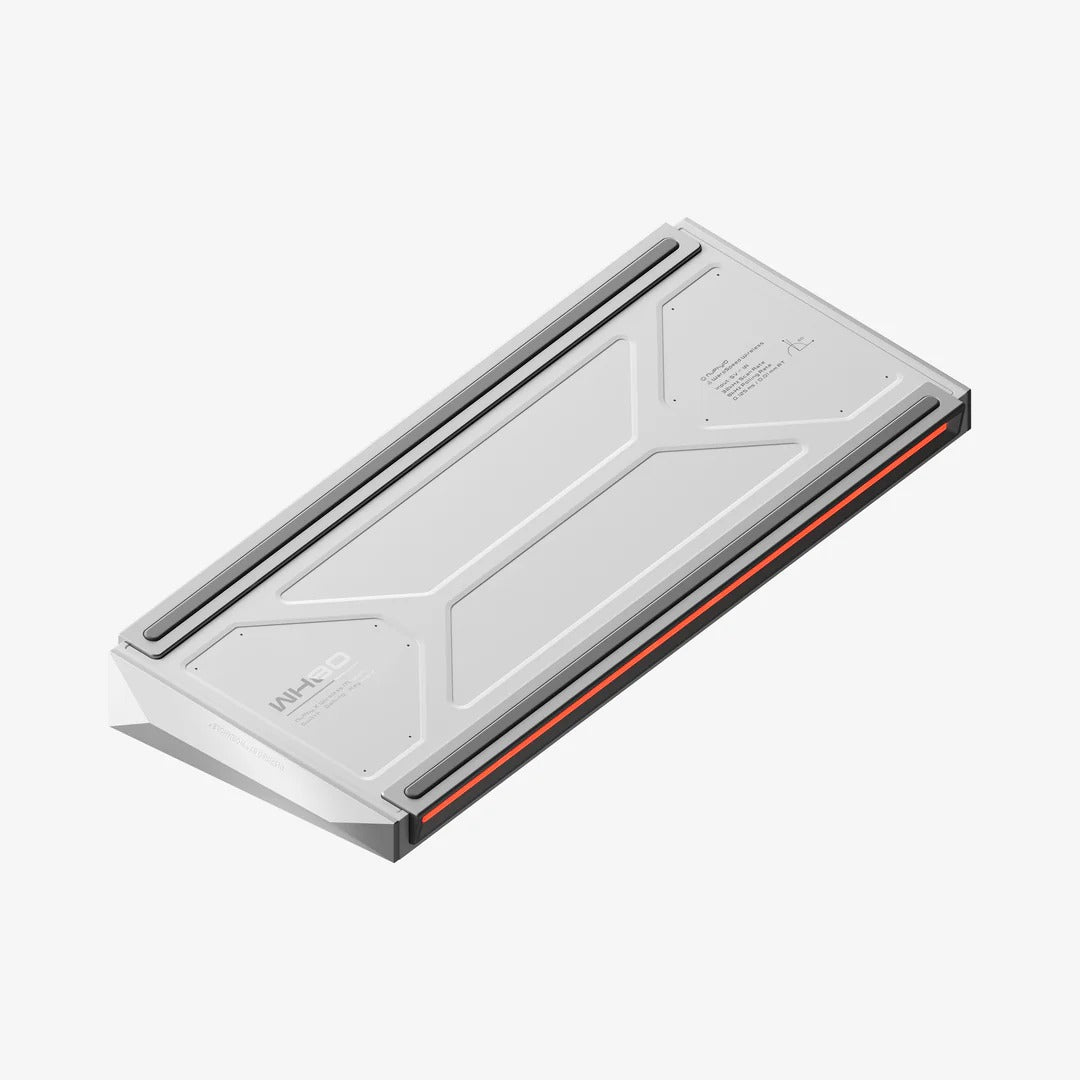


Layout: ANSI 80%
Number of Keys: 83
Keycaps: Clear keycap version
Switch Type: High-Profile Magnetic Switches
Stabilizer Type: Plate Mounted
Mount Type: Gasket Mount
Power-off Replaceable Switches Supoort: Yes
Backlight: Top-emitting LED
Backlight Modes: 20
Compatible System: macOS/Windows/Android/iOS
Operating Environment: -10 to 50℃
Keycap:PBT
Keyboard :ABS
Mode: 24GHz, Wired (USB-C) or Bluetooth 5.0
2.4GHz Polling Rate: 8000Hz
Wired Polling Rate: 8000Hz
Bluetooth 5.0 Polling Rate: 125Hz
Long 357mm (14.05 inches)
Wide 144.7 mm (5.69 inches)
Back Height 35.4 mm (1.39 inches)
Front Height 21.7 mm (0.85 inches)
Weight 1516 grams (3.34 pound)
Type Angle 7º
* Note: 1. Due to technical limitations, renderings of keyboards published by NuPhy are not accurate representations of the final products.
Overall rating: 4.8 / 5 from 8 reviews.
good battery life, nice touches

Shipping was amazing and the box that it came in was great quality

Love the keyboard though i do have to say the first couple days i had errors such as ghost keys being hit or sometimes keys not registering at all. that was fixed later through software updates and after that so far its a fantastic keyboard. I do wish i could buy a wrist rest for it but thats my only real complaint highly recommend the keyboard otherwise
very nice feeling so far, the LEDs are bright and don't lag, the key caps are high quality and feel great to use
It's a great keyboard and the web app works very well for configuration. Some initial glitches with missed key presses and random repeats but this appears to have been fixed in recent firmware updates
Good, using it everyday.
Feels great to type on, gaming is very responsive. Can easily switch between wireless and bluetooth with just a flick of a switch and has a volume knob! It looks great as well with it's translucent keys and backlighting options.
Excellent high quality keyboard. Definitely has some heft to it, won’t be moving around my desk unless I pick up the keyboard. The keys are much quieter than your typical mechanical keyboard. Built out of high quality materials. Very happy with my purhcase.